
01 / WEBSITE
Corporate website
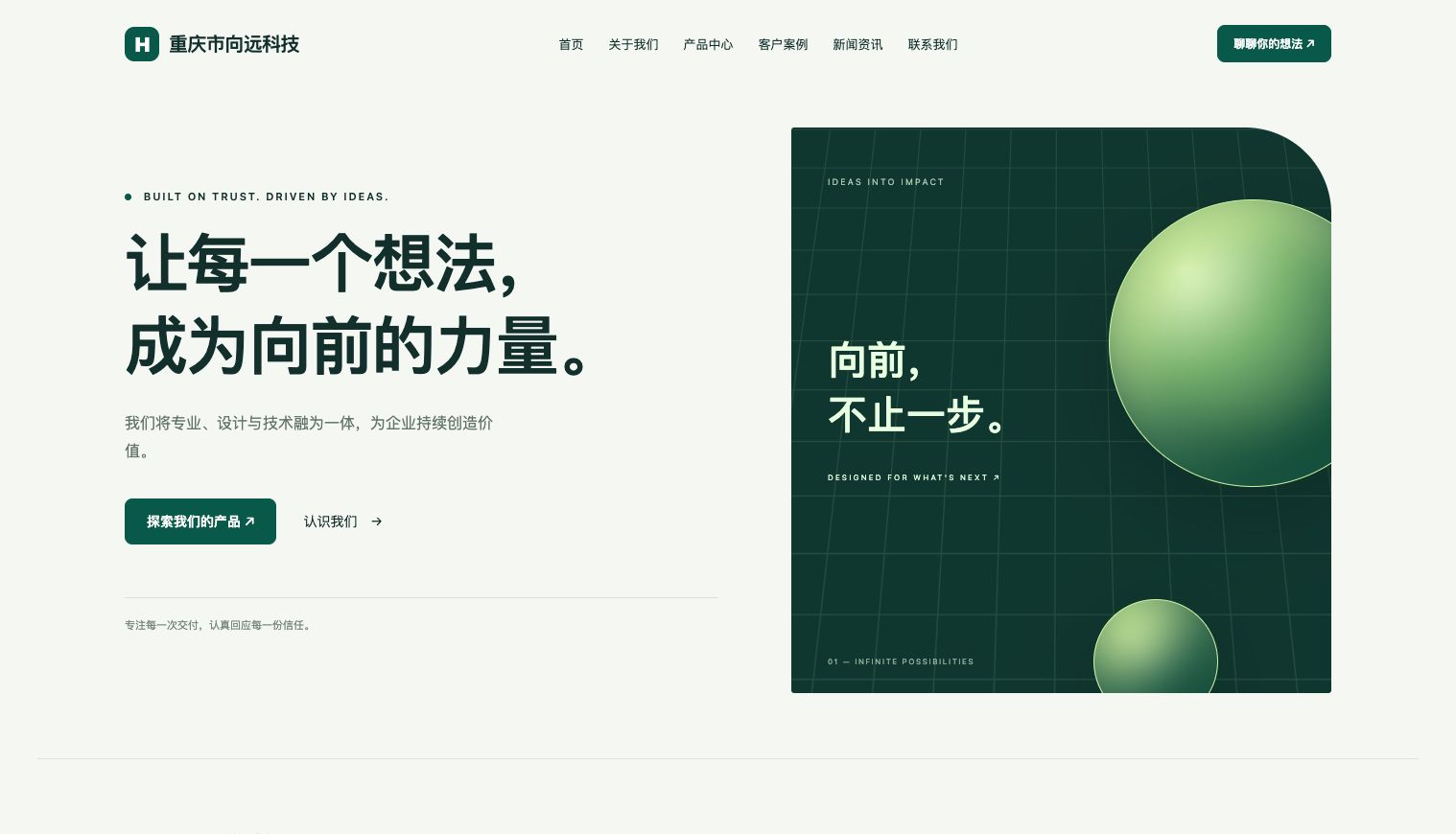
From the first impression to products, cases and news, the default theme brings your content together. Adapt the copy, branding and homepage blocks to your business.
BUILT WITH HHY · OPEN-SOURCE CMS
HHY handles installation, application logic and server-rendered pages. MySQL stores your content. A corporate theme and an admin workspace are ready from the start.
v0.1.2 · Apache-2.0 · Self-hosted
 ADMIN · Your content workspace ↗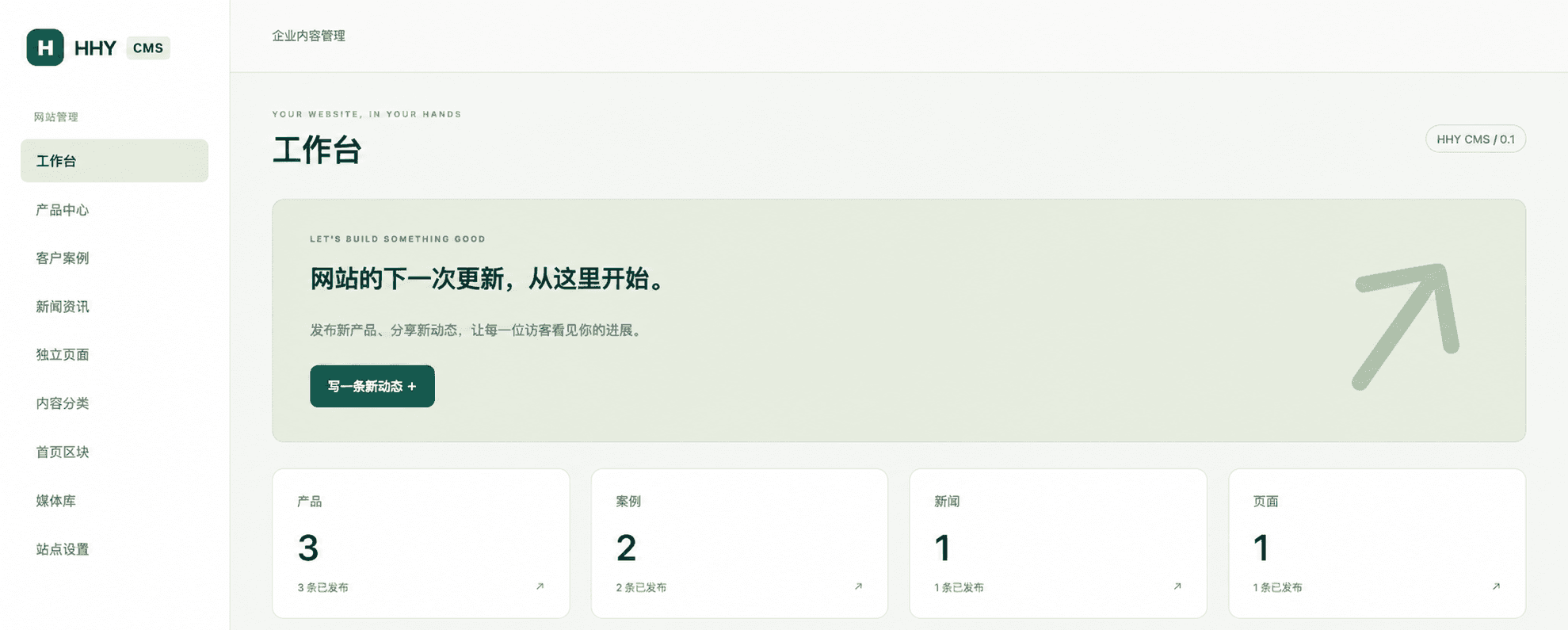
One HHY application. Both sides of your website.
REAL SCREENS · PRODUCT TOUR
A public website for visitors and an admin workspace for everyday updates. Select an image to view it at full size.
01 / WEBSITE
From the first impression to products, cases and news, the default theme brings your content together. Adapt the copy, branding and homepage blocks to your business.
02 / ADMIN
Access products, cases, news, media and site settings from the sidebar. Save drafts, preview and publish. Everyday updates do not require editing source code.
Responsive home, about, products, cases, news and contact pages.
A visual editor with headings, lists, quotes and undo/redo. Save, preview and publish drafts while keeping the live version intact.
Update your logo, navigation, contact details and SEO. Reorder or hide homepage blocks.
Searchable media, thumbnail previews and uploads within the editor, with automatic selection. Supports PNG / JPEG and reference protection.
Prepare HHY 1.7.1 (minimum 1.5.0), the database 1.0.0 extension, MySQL 8.x or a compatible version, OpenSSL 3.x and the system file utility. These dependencies are not included in the source ZIP. On Windows, install HHY and the database extension inside WSL2 Linux.
Download the source release and enter the extracted hhy-cms directory.
unzip hhy-cms-0.1.2.zip
cd hhy-cmsCreate a dedicated utf8mb4 database in MySQL. Give the installer account SELECT, INSERT, UPDATE, DELETE and CREATE privileges on that database. The installer does not create databases.
CREATE DATABASE hhy_cms CHARACTER SET utf8mb4;Run the command below from the project directory. It listens locally on port 9100 by default; change --port to use another port.
./bin/hhy-web run install.hhy --port 9100Open http://127.0.0.1:9100/install. The first launch creates var/install-token; read it locally and enter it in the wizard. Fill in your MySQL connection, site name, domain and administrator details. The password generation button can create an administrator password for you.
cat var/install-tokenAfter installation, sign in at /admin. Update site settings, then edit a product, case or news item. Save a draft, preview it and publish when ready. Reorder or hide homepage blocks. The public website at / displays published content.
The installer process already serves the completed site. Use app.hhy for subsequent launches. Stop the old process first: the two entry points must not bind to the same port at the same time.
./bin/hhy-web run app.hhy --port 9100If setup is interrupted, fix the connection or permissions and resubmit with the same token. Do not delete an existing configuration to reinstall. Use an HTTPS reverse proxy for public deployments and expose only controlled static assets. Back up the database, private configuration and uploaded files together.
HHY CMS · v0.1.2
HHY CMS is open source under Apache-2.0, ready for self-hosting and customization. Download the release, connect MySQL and complete the setup wizard to start managing your company website.
Version one includes a single administrator and one default theme. A freeform page builder, multi-tenancy, commerce, a plugin marketplace and multilingual content management are not included. This overview is bilingual; the current CMS interface is in Chinese.
Full configuration guide (Chinese) ↗